> ## Documentation Index
> Fetch the complete documentation index at: https://docs.refuel.ai/llms.txt
> Use this file to discover all available pages before exploring further.
# Team and User Settings
## Inviting Users
You can invite new users into your organization by [clicking here](https://app.refuel.ai/settings/users) or navigating to the Users tab within Settings.
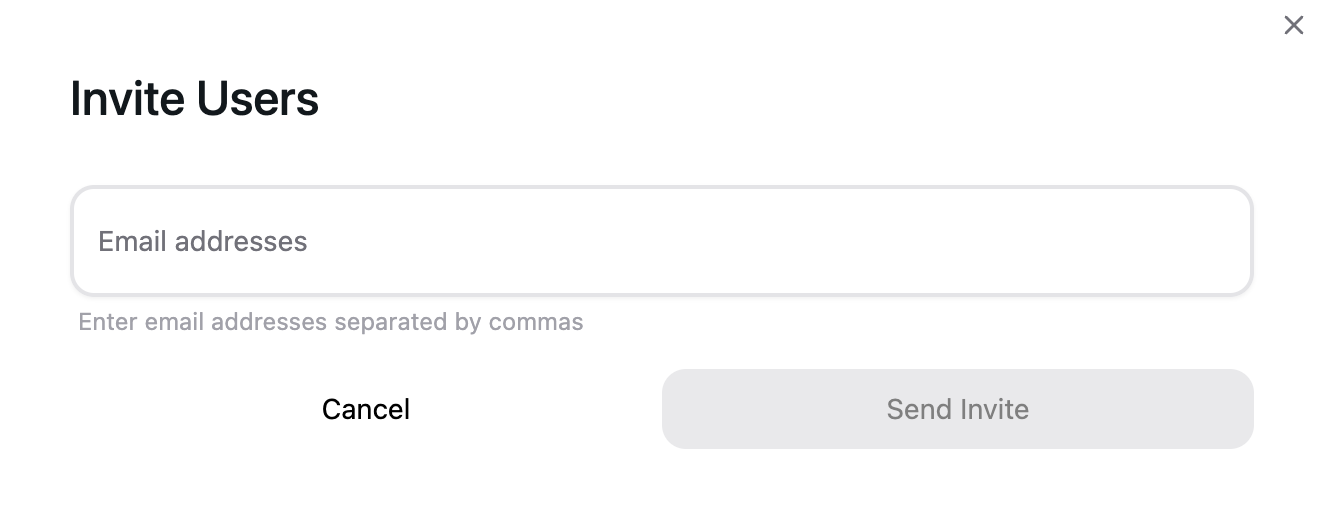
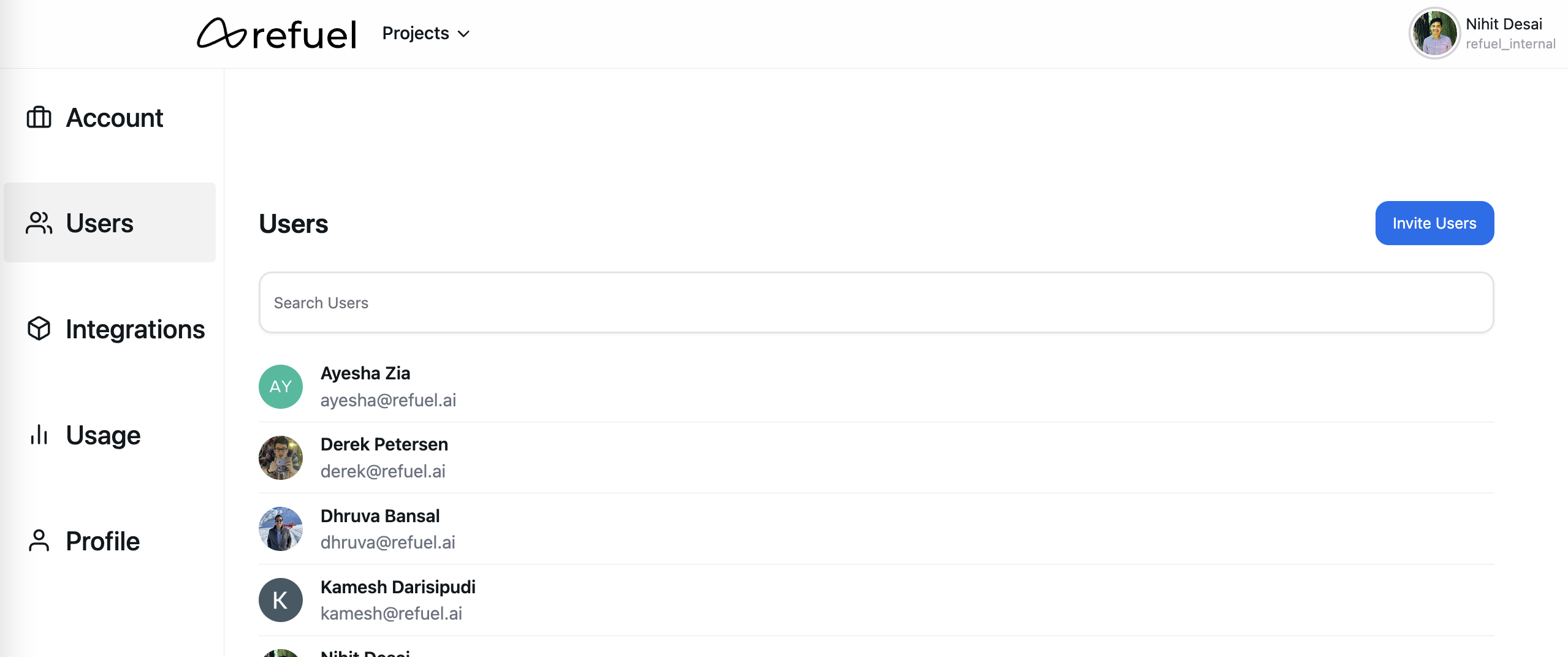 When you click on the "Invite Users" button, and provide the email address of the users you want to invite (as a comma separated list), they will receive an email with a link to join your organization.
 ## User Profile
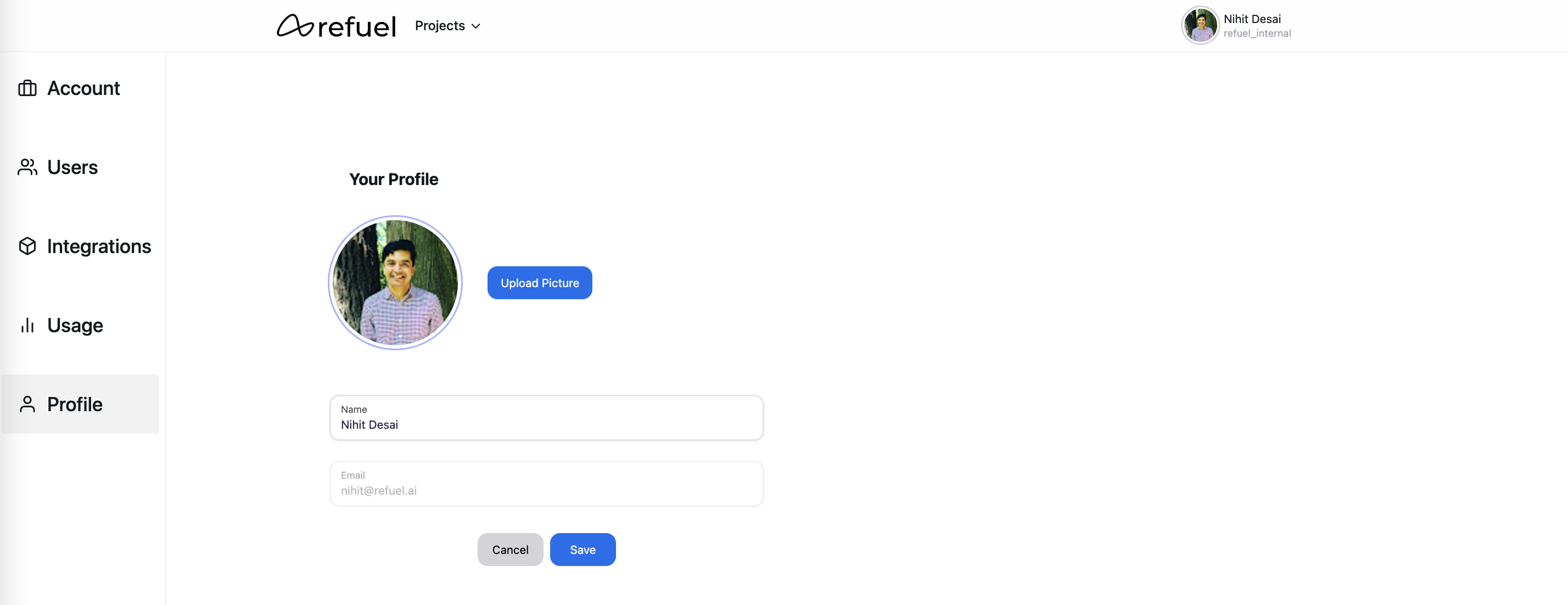
You can update your name or profile picture by [clicking here](https://app.refuel.ai/settings/profile) or navigating to the Profile tab within Settings:
## User Profile
You can update your name or profile picture by [clicking here](https://app.refuel.ai/settings/profile) or navigating to the Profile tab within Settings: