> ## Documentation Index
> Fetch the complete documentation index at: https://docs.refuel.ai/llms.txt
> Use this file to discover all available pages before exploring further.
# Import from Data Warehouse
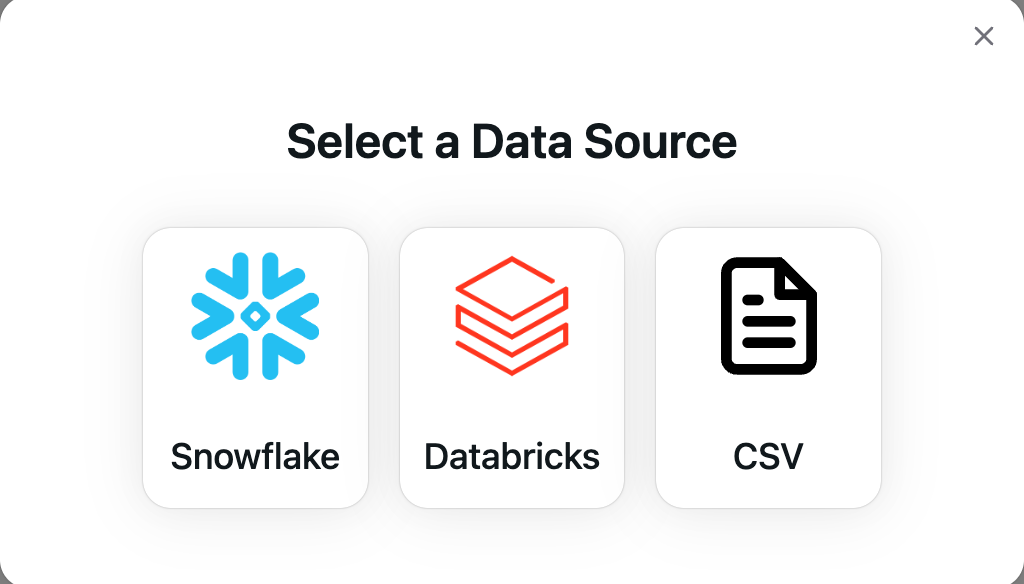
Refuel makes it a breeze to import your data residing in Data Warehouses such as Snowflake, Databricks (more coming soon).
Refuel is committed to keeping your data safe by following industry-standard practices for securing physical deployments, setting access policies, and leveraging the security features of leading Cloud providers.
Generally, the import is a 2-step process:
* Setting up the [Data Warehouse Integration](/integrations/data_warehouses)
* Telling Refuel the location of the data
## Snowflake
**Prerequisite:** Setup the [snowflake integration](/integrations/snowflake)
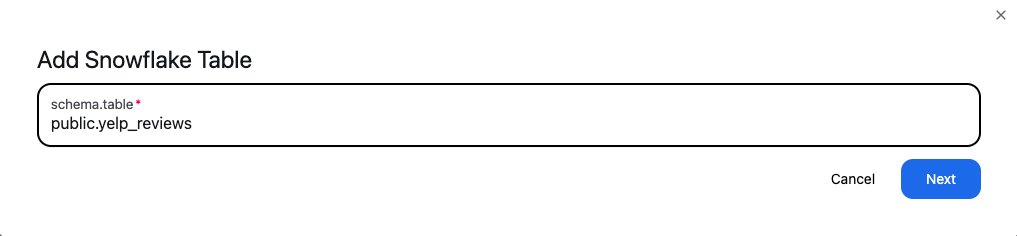
 Add the name of the table that you want to import in the format **schema\_name.table\_name**.
The user/role specified during snowflake integration should have read access to the table
Add the name of the table that you want to import in the format **schema\_name.table\_name**.
The user/role specified during snowflake integration should have read access to the table
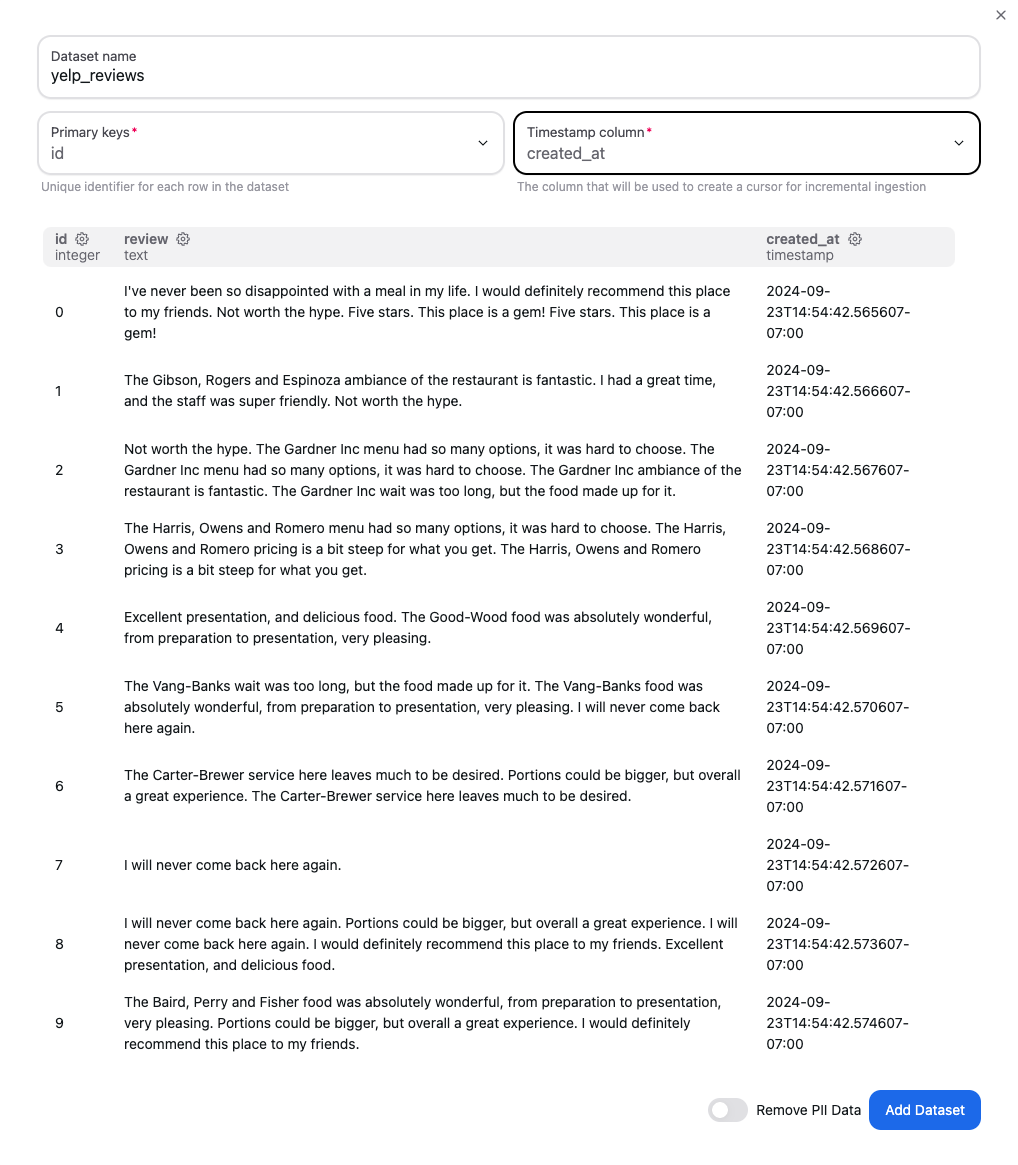
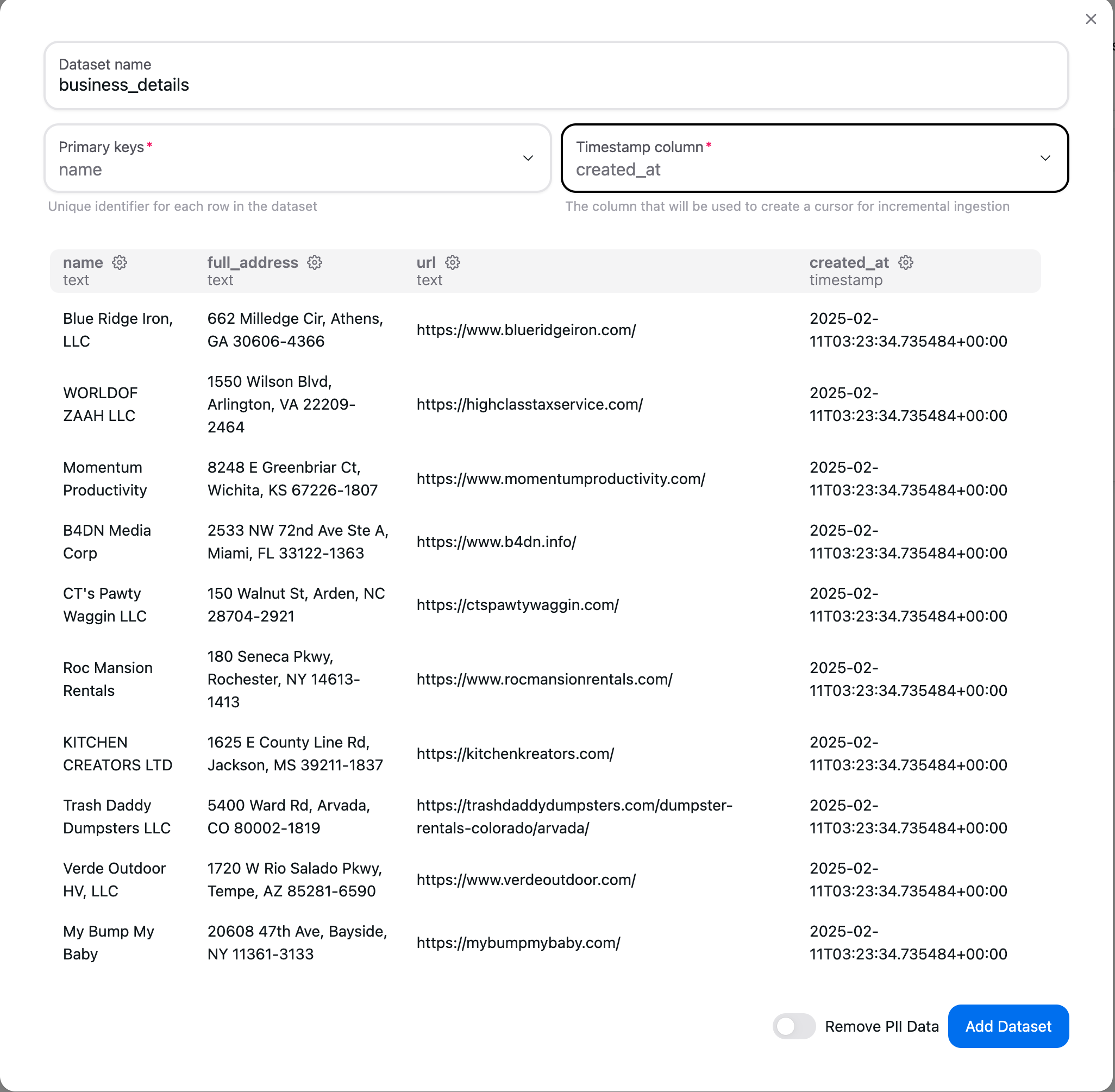
 Select the set of primary keys that can uniquely identify a row in the provided table. You also need to select
a timestamp column that will act as a checkpoint so we only read new data as it arrives in your Snowflake table.
If your table does not have a primary key or timestamp column, please drop us a message.
Select the set of primary keys that can uniquely identify a row in the provided table. You also need to select
a timestamp column that will act as a checkpoint so we only read new data as it arrives in your Snowflake table.
If your table does not have a primary key or timestamp column, please drop us a message.
 ## Databricks
**Prerequisite:** Setup the [databricks integration](/integrations/databricks)
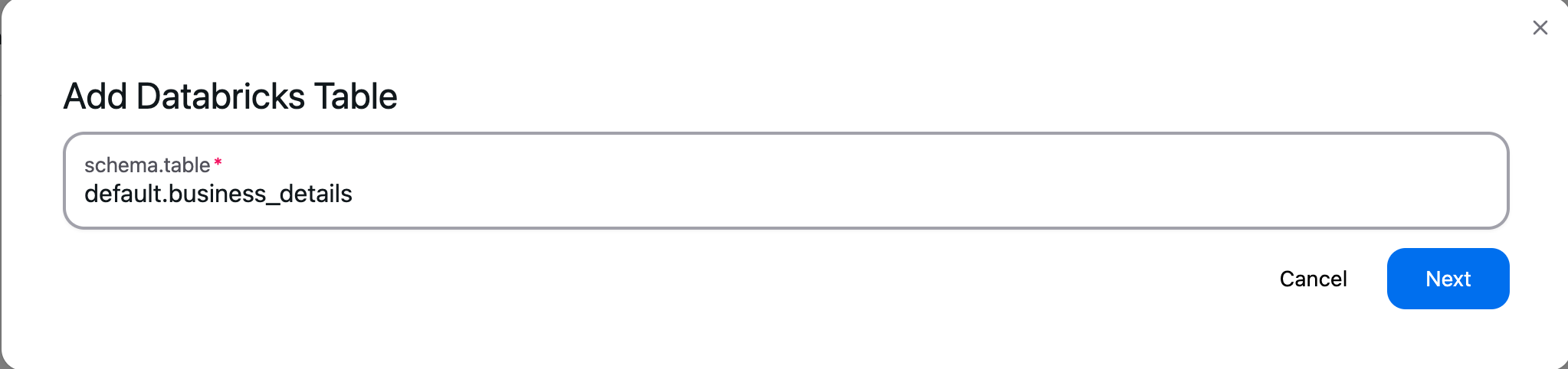
Add the name of the table that you want to import in the format **schema\_name.table\_name**.
## Databricks
**Prerequisite:** Setup the [databricks integration](/integrations/databricks)
Add the name of the table that you want to import in the format **schema\_name.table\_name**.
 Select the set of primary keys that can uniquely identify a row in the provided table. You also need to select
a timestamp column that will act as a checkpoint so we only read new data as it arrives in your Databricks table.
If your table does not have a primary key or timestamp column, please drop us a message.
Select the set of primary keys that can uniquely identify a row in the provided table. You also need to select
a timestamp column that will act as a checkpoint so we only read new data as it arrives in your Databricks table.
If your table does not have a primary key or timestamp column, please drop us a message.
 If you want to automatically run a task on new data as it lands in your Data Warehouse, you can setup a [Scheduled Task Run](/guides/tasks/scheduled_run) on your dataset.